

How to Create Reaction Videos for TikTok, Instagram, X, and YouTube on Android
Learn how to create reaction videos on TikTok, Instagram, X, and YouTube using MixCam for live reactions and PicPlayPost for PIP editing.
Learn how to create reaction videos on TikTok, Instagram, X, and YouTube using MixCam for live reactions and PicPlayPost for PIP editing.

Table of Contents What Are Instagram Reels and Why Make Them? How to Make a Reel on Instagram 1. Plan Your Instagram Reel 2. Record or Upload Your Media 3. Combine Clips or Trim Video Start/Stop Times 4. Use Instagram...

Table of Contents Why Add Captions to Instagram Video Posts? How To Add Captions to Instagram Videos: Step-By-Step Option 1: Use the Captions Sticker for Instagram Reels and Stories Option 2: Toggle the Auto-Caption Option on Instagram Option 3: Add...
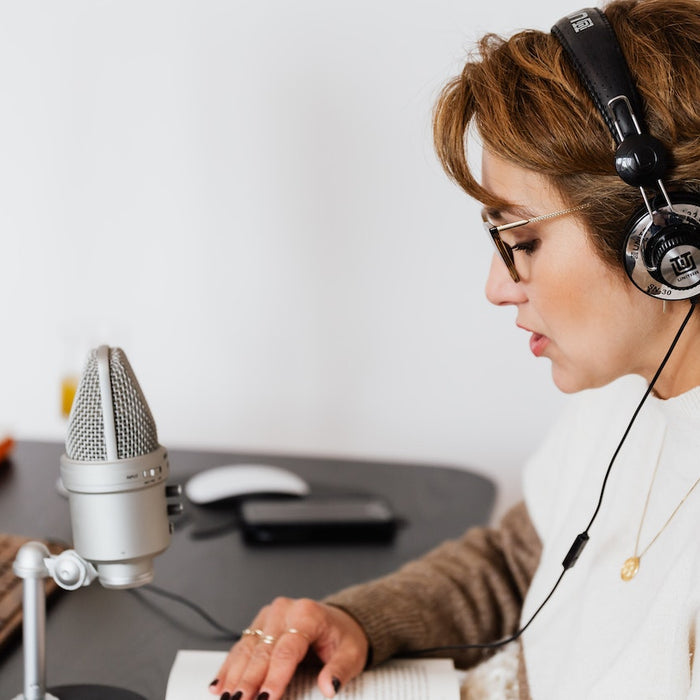
Table of Contents Why Add Voice Over for YouTube Videos? How to Record a YouTube Voice Over Pre-Production for a YouTube Voice Over Step-By-Step to Record a Voice Over on YouTube Post Production Tips How to Do a Voice Over...


Table of Contents Overview of Text to Speech on TikTok Why Should I Use Text to Speech on TikTok? Provide Context and Engage Viewers Immediately Narrate Videos Easily Increase Flexibility and Scalability of TikTok Video Production Building a Voice for...
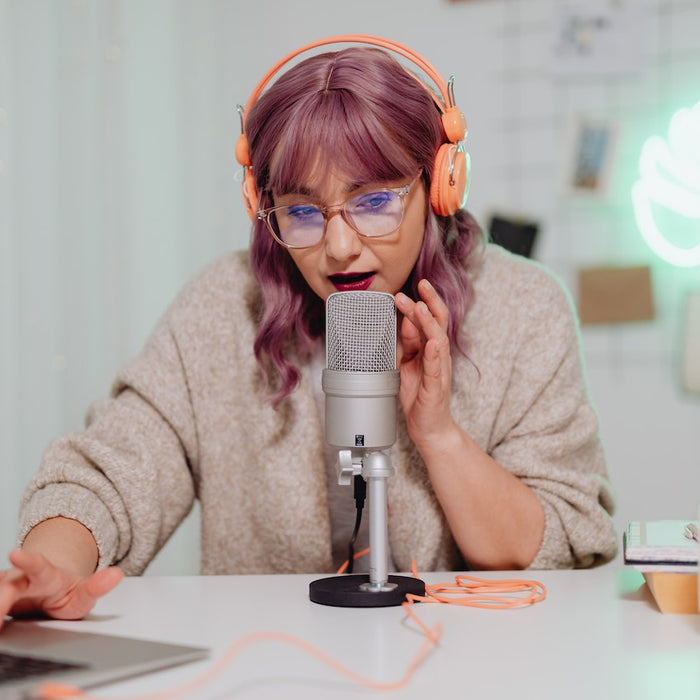
Table of Contents What Is a Voice Over? Who Uses Voice Over for Videos? How to Voice Over a Video for Better Content Determine the Feel/Tone of the Video Outline Specifics in a Script to Tell Your Story Decide How...

Table of Contents What Is a Text to Speech App? Text To Speech Video Checklist to Consider What’s the Goal of Your Video Content? What is the Right TTS Voice Speed and Emotion? What Gender and Accent Do I Want...